A long LinkedIn address does not fit on a business card, and nobody types it in. A QR code does the work: one scan opens your profile, saves your contact and links your other accounts.
We sent you a link to build your card. It works once and expires in 15 minutes.
Free to start. No password, just a link in your email.
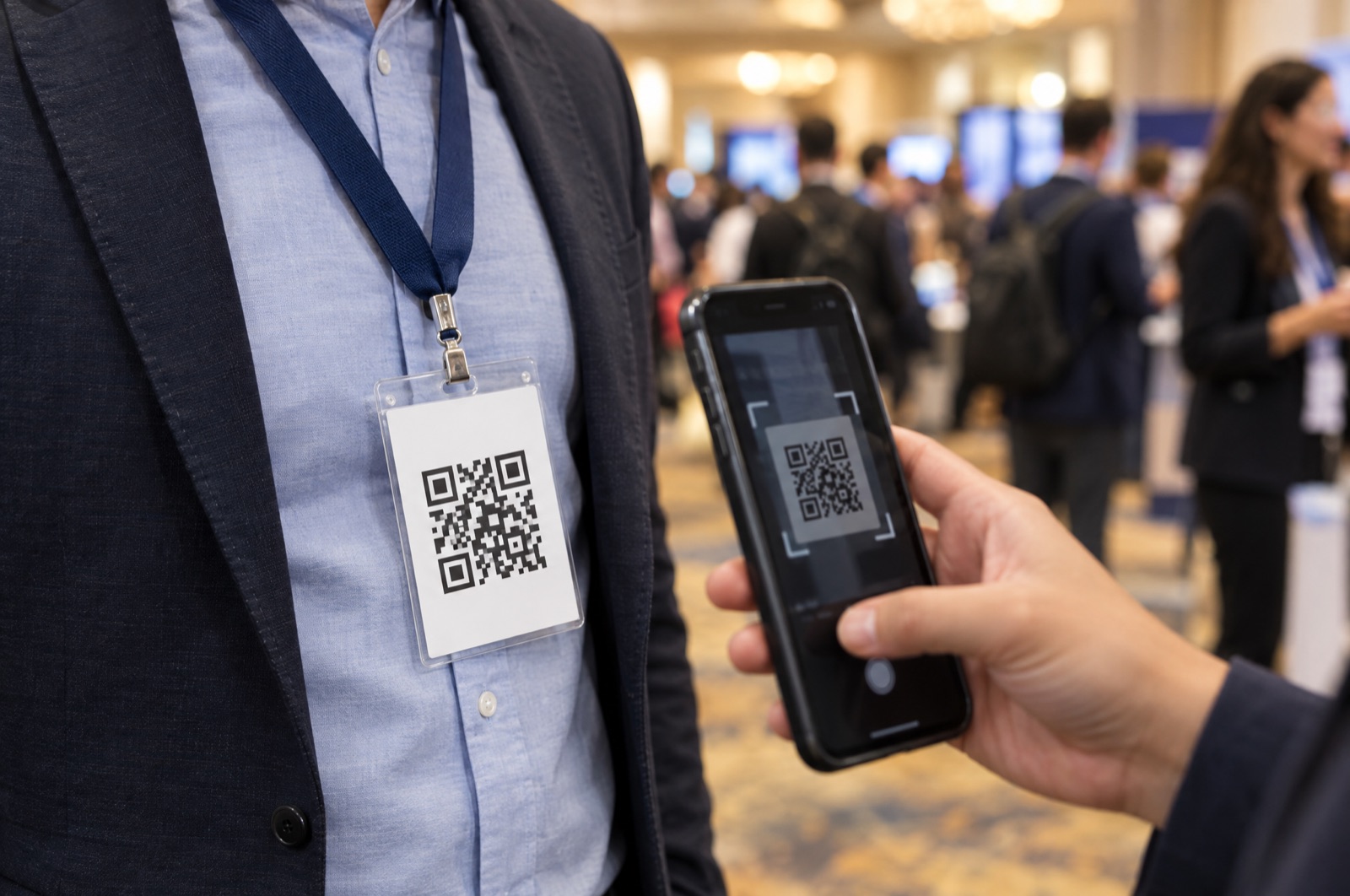
Which one fits depends on how much space you have and what you want people to do after they see it.
Shorten your address first. In LinkedIn, edit your public profile and set a custom URL such as linkedin.com/in/yourname. Short enough to print, but people still have to type it.
The LinkedIn mobile app has a built-in QR code for your profile, found through the search bar. It opens your profile, and that is all it does.
Add your LinkedIn handle to your Cardzy card. One QR code opens your LinkedIn, saves your contact to their phone, and links your other accounts too.
It is the part of your profile address after linkedin.com/in/.
Paste the handle or the full link into the LinkedIn field in the editor. The live preview shows the button.
People scan it, tap Save to add you to their contacts, and tap Connect on LinkedIn to open your profile.
Print a short custom LinkedIn URL, add the LinkedIn QR code, or add your LinkedIn to a digital business card and print that QR code. The digital card is the most flexible because it also saves your contact and links your other accounts.
Yes. In Cardzy, add your LinkedIn handle and your card shows a Connect on LinkedIn button. Your LinkedIn link is also included in the contact people save.
Open your profile on LinkedIn. The address in the browser, or under Edit public profile and URL, is your profile URL.
A QR code is easier for the other person, because they scan it instead of typing a long address. A QR code that goes to a digital business card also gets you saved in their contacts.
Enter your email and we will send you a link to start.
We sent you a link to build your card. It works once and expires in 15 minutes.
Free to start. No password.