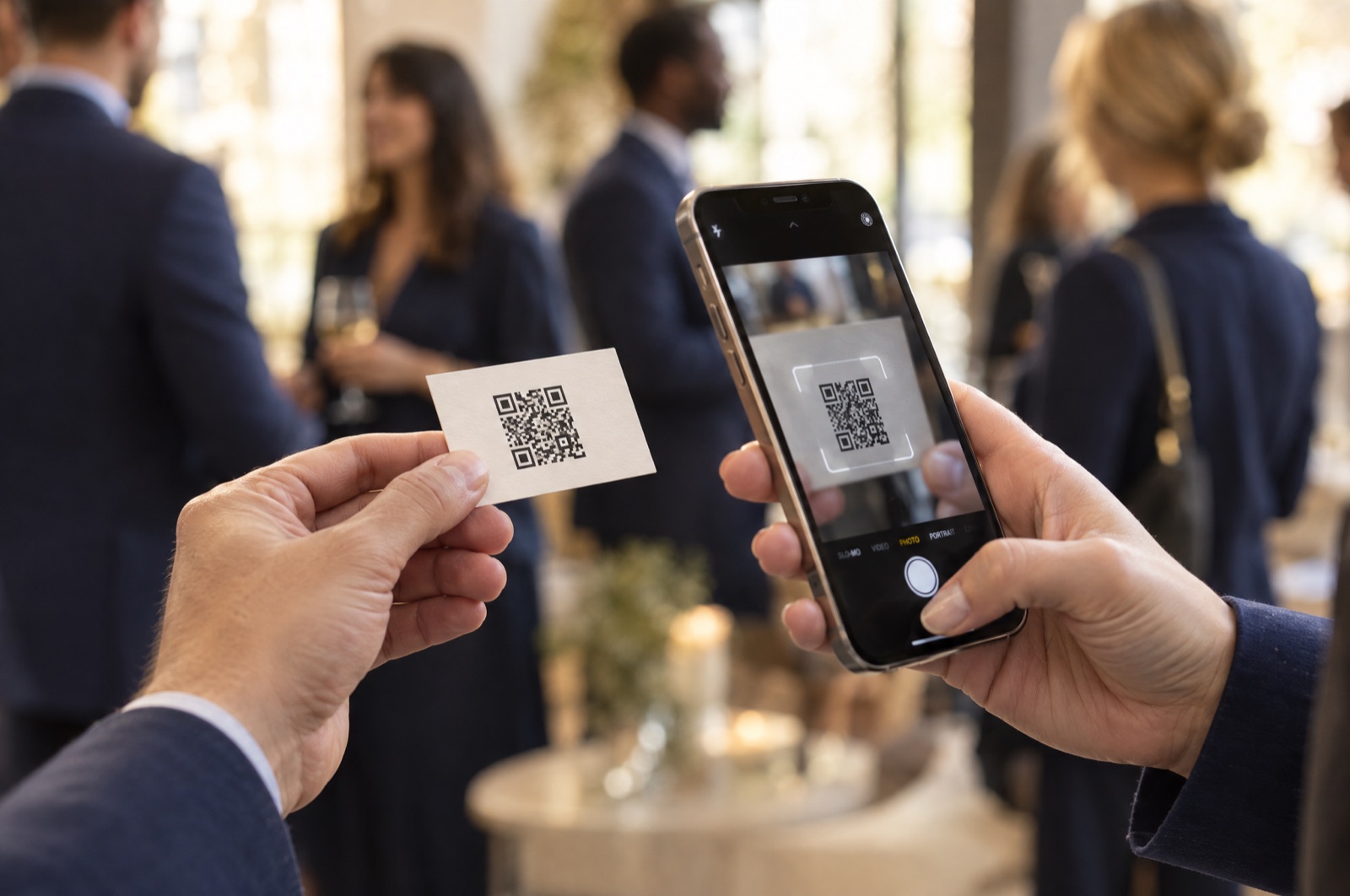
There are three good ways to share your contact card from an iPhone. Here is how each one works, and when to use it.
We sent you a link to build your card. It works once and expires in 15 minutes.
Free to start. No password, just a link in your email.
Open Contacts, tap your name at the top, then tap Share Contact. Choose AirDrop, Messages or Mail.
On iPhones with iOS 17 or later, hold the top of your phone near the other iPhone. Choose to receive only, or to share your contact.
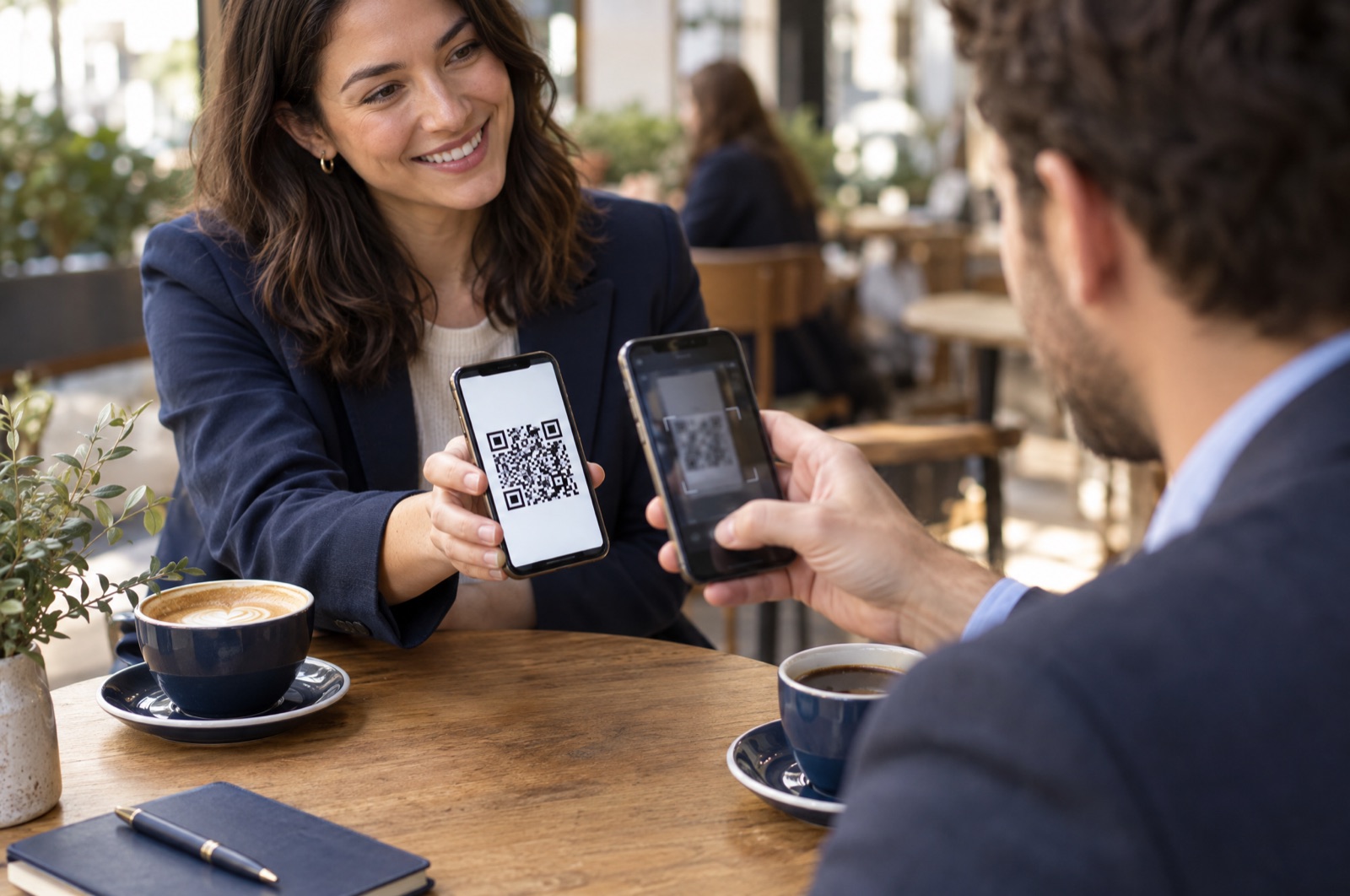
Open your Cardzy QR code. They scan it with any phone camera, iPhone or Android, and save you in one tap.
This is the standard method and works with anyone you can message or email.
Sending your contact card works one person at a time, and it only sends what is in your contact. It does not tell the other person where you met, it cannot add your social accounts as buttons, and you will not know whether they saved it.
A QR code on a Cardzy card works the same for every phone, including Android. The other person saves you with a note about where you met, taps through to your Instagram, TikTok and YouTube, and you can see how many people viewed and saved your card.
Show your QR code on your screen, a badge or a printed card. Anyone can scan it and save you.
Make a QR code business card
Open Contacts, tap your name at the top, tap Share Contact, and choose AirDrop, Messages or Mail. You can also use NameDrop on iPhones with iOS 17 or later, or show a QR code.
AirDrop and NameDrop only work between Apple devices. Send your contact card in Messages or Mail, or show a QR code that opens a digital business card. The camera on an Android phone scans it and saves your contact.
NameDrop is an iPhone feature in iOS 17 and later. You hold two iPhones close together, and each person chooses whether to share their contact details.
Yes. If your contact card has a photo, it is included when you share it. A Cardzy card also includes your photo in the contact people save.
Enter your email and we will send you a link to start.
We sent you a link to build your card. It works once and expires in 15 minutes.
Free to start. No password.